Hello! How can we help you ?
How to enable or reset Two-Factor Authentication (2FA)
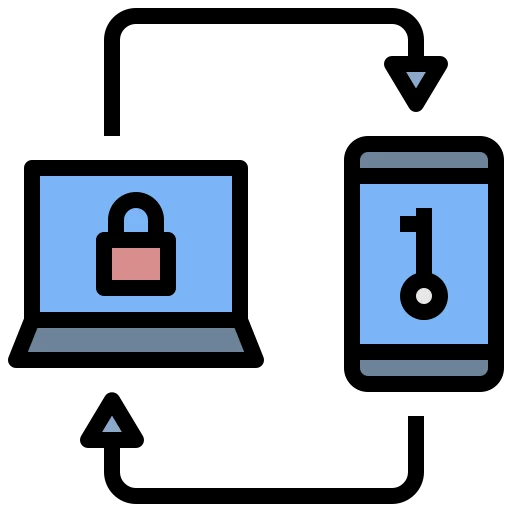
Two-Factor Authentication (2FA) adds an extra layer of protection to your account by requiring a one-time verification code in addition to your password.
Enable Two-Factor Authentication (2FA):
- In Safe2transact wallet select Security in the left sidebar.
- Go to Two-Factor Authentication section.
- Press the switch on.
- Enable 2FA following the instructions on the screen.
Reset Two-Factor Authentication (2FA):
- In Safe2transact wallet select Security in the left sidebar.
- Go to Two-Factor Authentication.
- Click the Refresh icon (circular arrow) to reset 2FA.
- In your authenticator app, add the new entry (scan the QR code) and confirm with the 6-digit code.
- After the new 2FA is confirmed, remove the old Safe2transact entry from your authenticator app.